← Back to the portfolio

Ember Slice: Pizza Ordering & Back Office

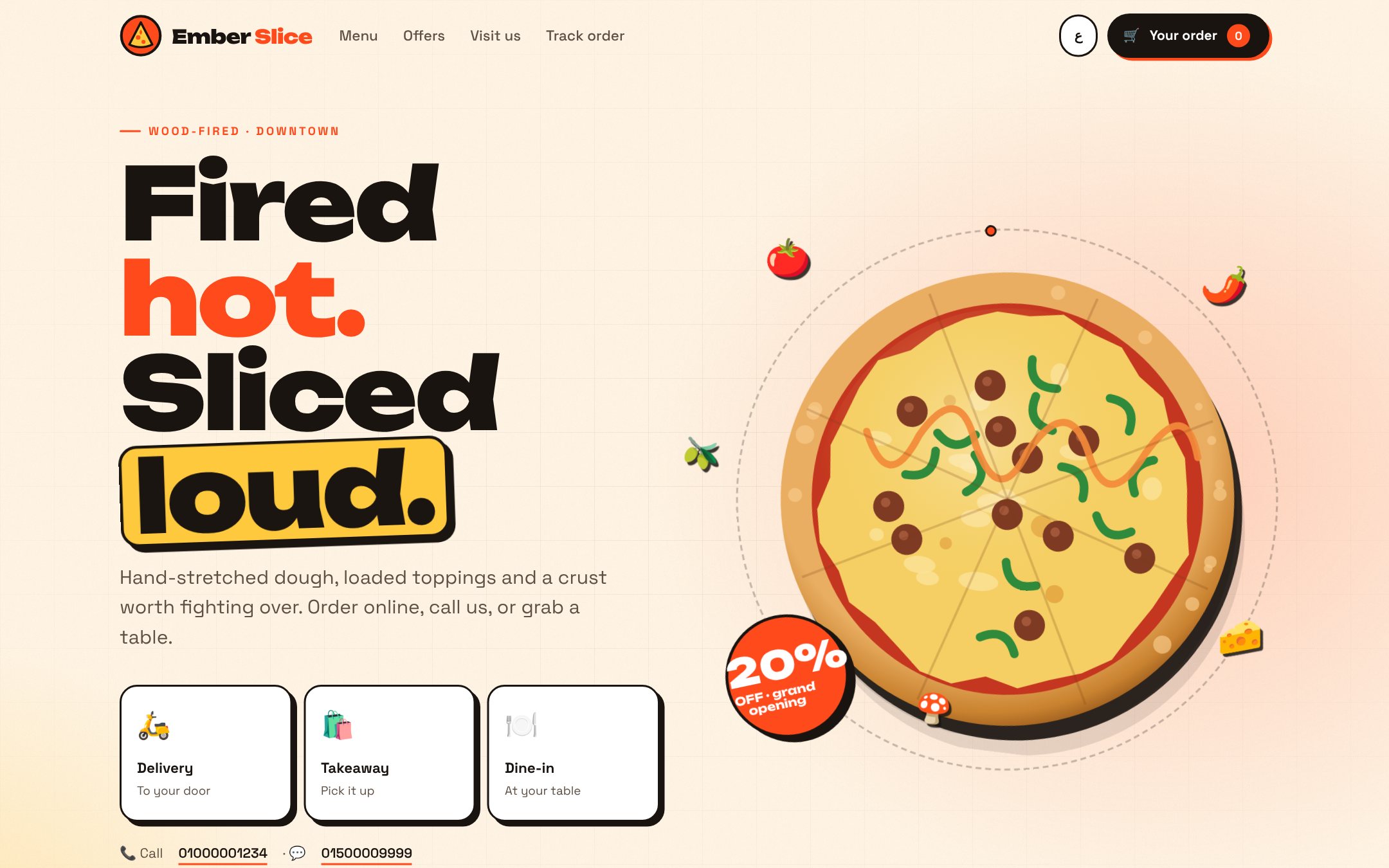
An online ordering site and back office for a pizza shop, in Arabic and English. Customers order delivery, takeaway or dine-in (a table QR opens their table) and track the order live; staff run a kitchen screen, phone orders, tables, menu, offers and reports.

Website SaaS · Prototype

3Ways to order: delivery, takeaway, dine-in
QREach table opens its own menu
AR · ENArabic and English, built for phones

A project by Youssef Ehab Alsayed

The question

How can a small pizza shop take orders from its website, the phone and its tables in one place, and stop paying a delivery app's commission on every order?

What I built

A clickable prototype for a made-up brand, Ember Slice. Customers choose delivery, takeaway or dine-in (each table's QR code opens the menu with that table already chosen), customise pizzas with sizes, extras, half & half or build-your-own, get offers applied automatically and follow their order live. The back office has PIN logins for the owner, cashier and kitchen, and each role sees only its own pages: a live order board with sound alerts, a kitchen screen with timers, phone and in-store orders, tables and bills, menu and offer editing, a printable menu board, QR table cards, customers and reports. It runs on demo data in the browser today; the data layer keeps the same function names an ASP.NET Core API and SQL Server will provide, so the screens stay as they are when the backend arrives.

Tools

HTML CSS JavaScript Arabic RTL QR codes ASP.NET Core API (planned backend)

Live site

Live site

Live demo: order like a customer, then open Staff in the footer (PIN 1111 owner, 2222 cashier, 3333 kitchen) and watch the order arrive.

Open site

Screenshots

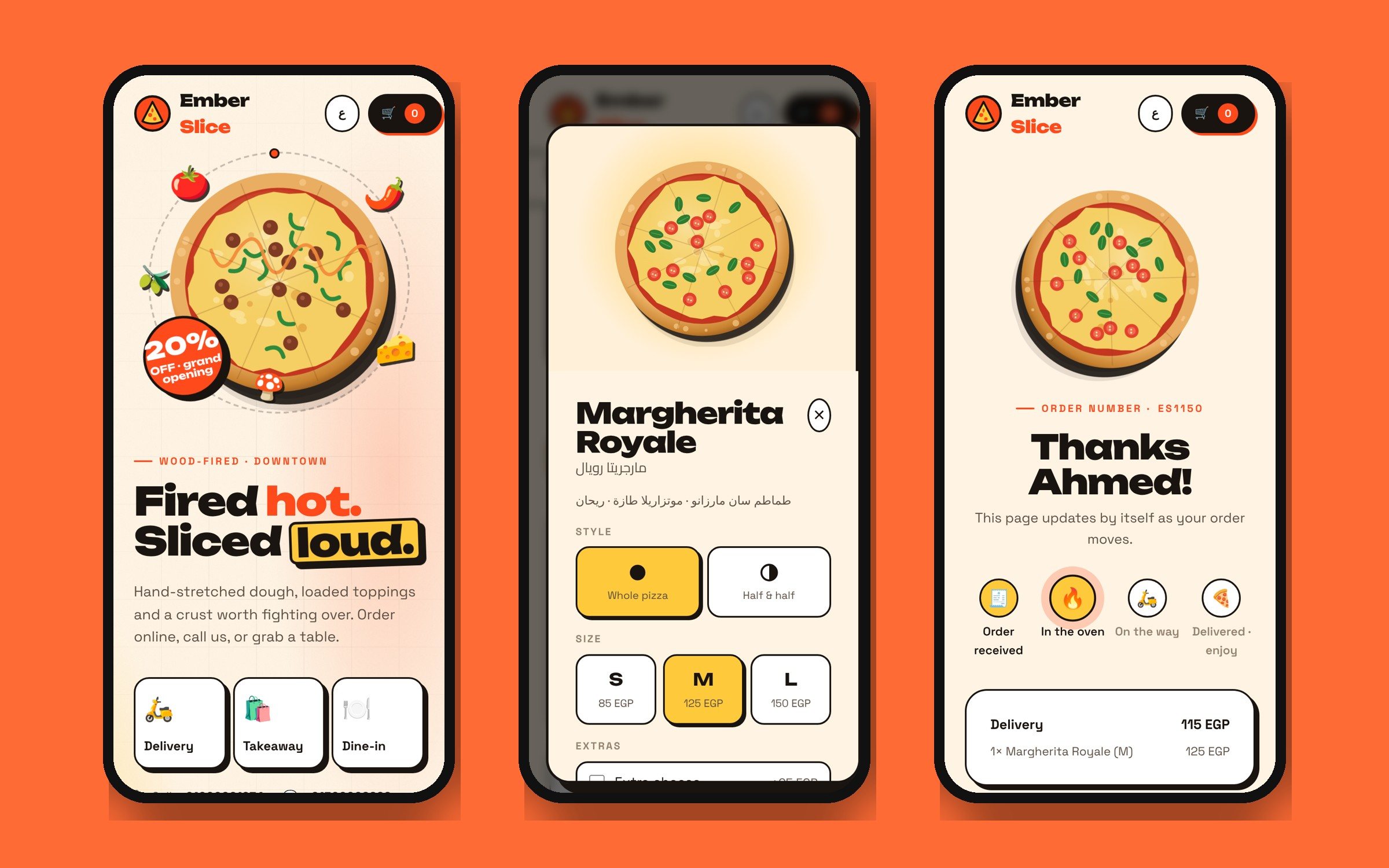
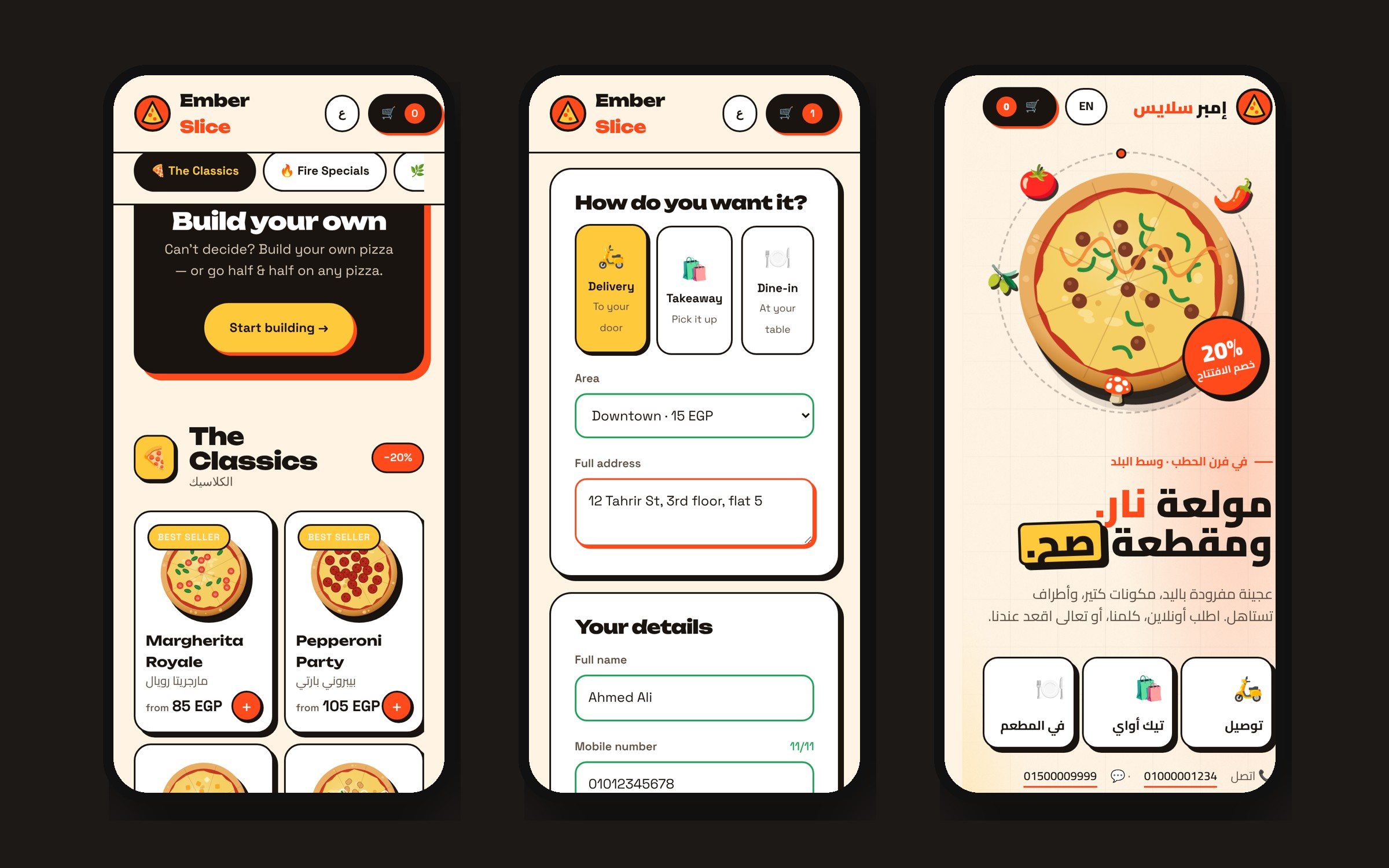
On a phone: the home page, a pizza with sizes and extras, and live order tracking.
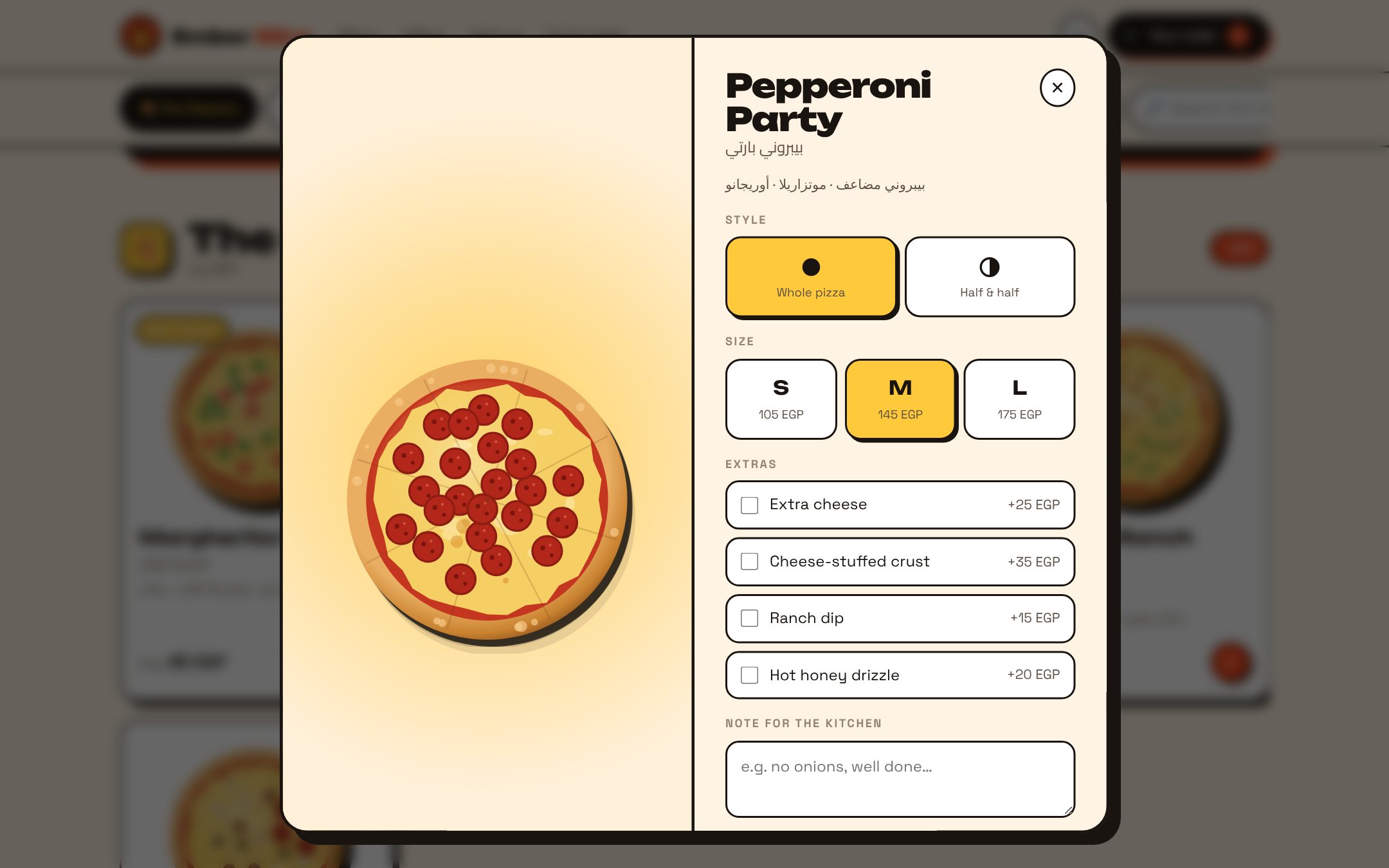
Pick a pizza: whole or half & half, size, extras and a note for the kitchen.
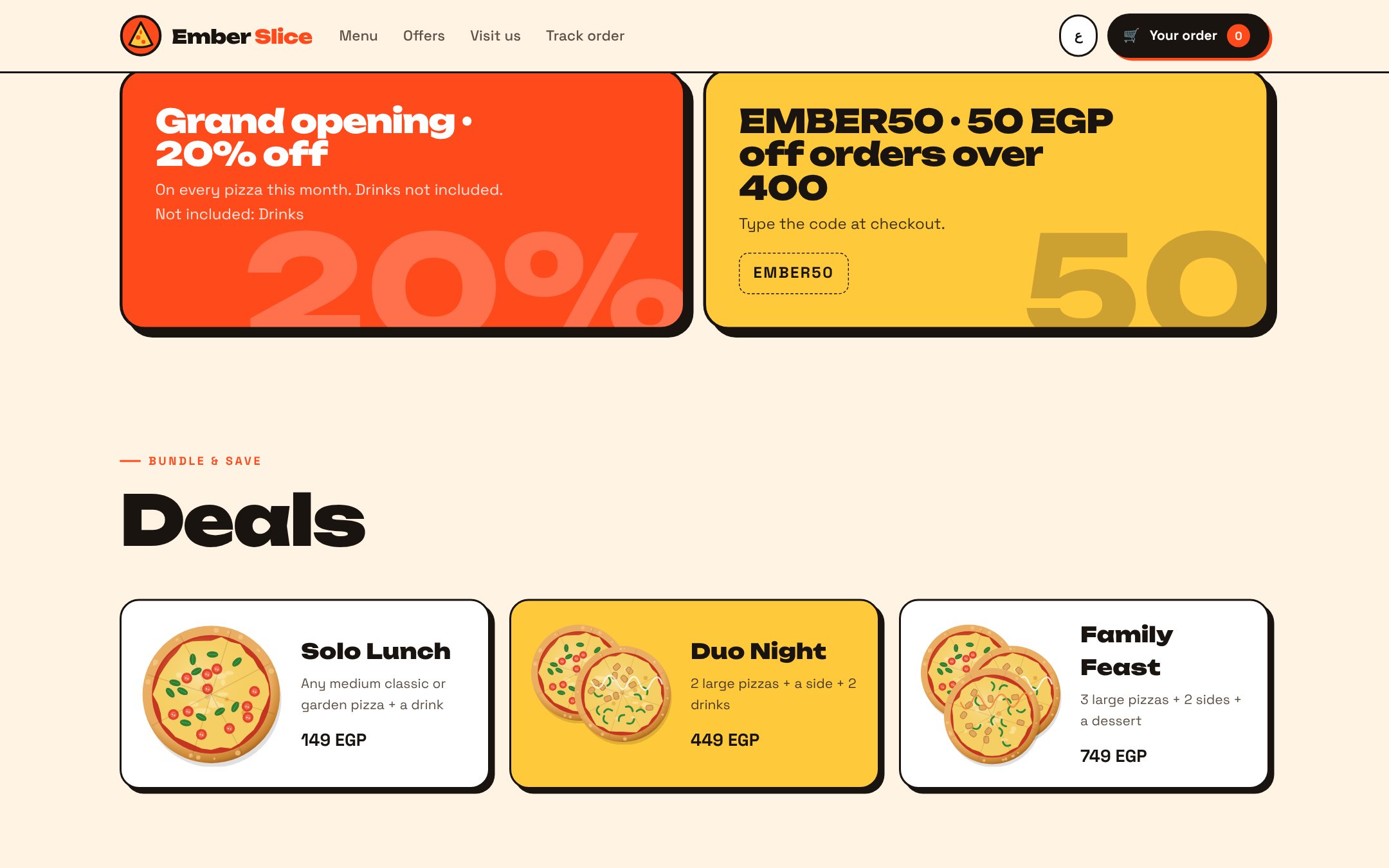
Combo deals priced against their parts, editable from the back office.
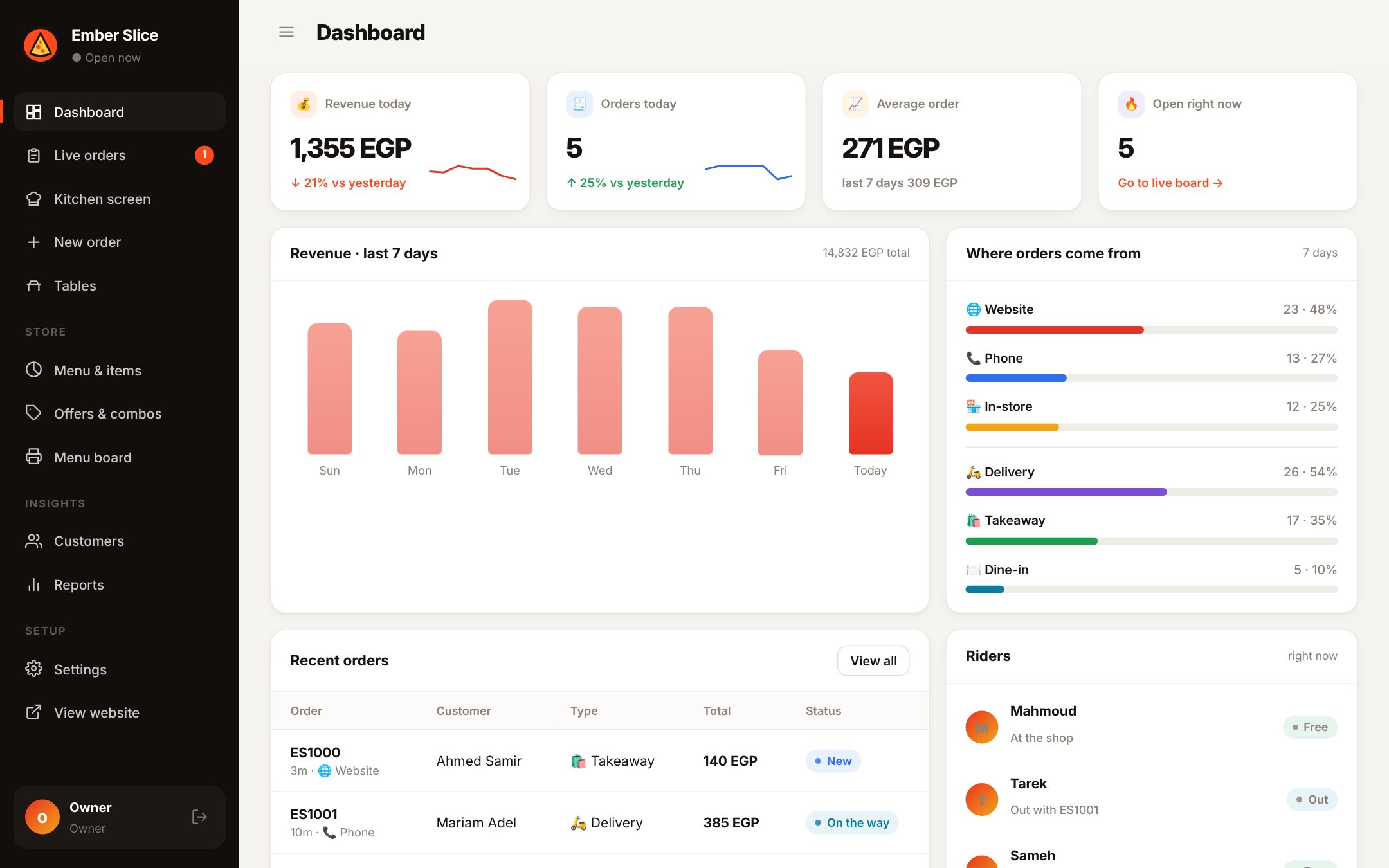
Owner dashboard: today's revenue vs yesterday, 7-day sales, where orders come from and top items.
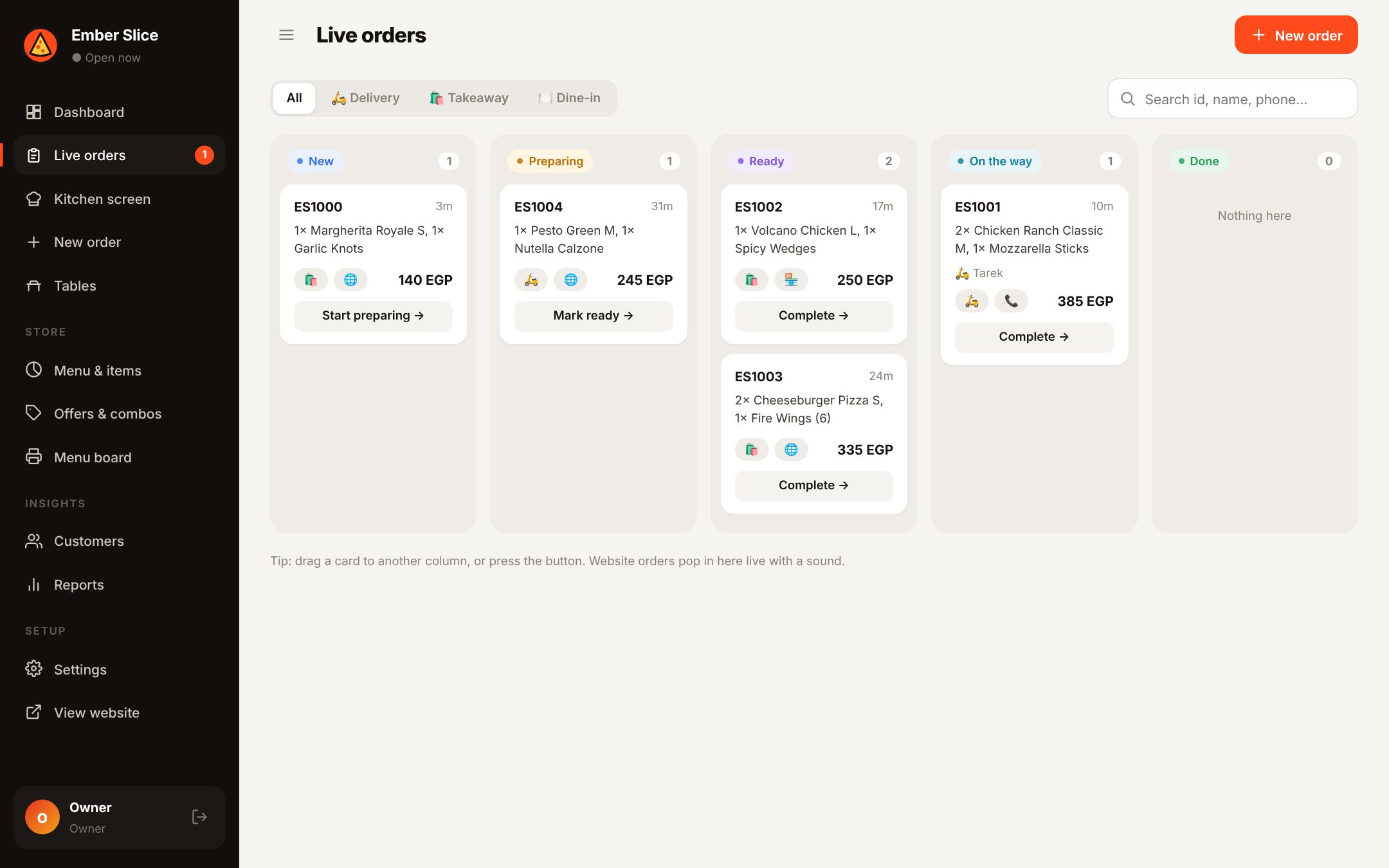
Live orders: a board from New to Done. Website orders pop in with a sound.
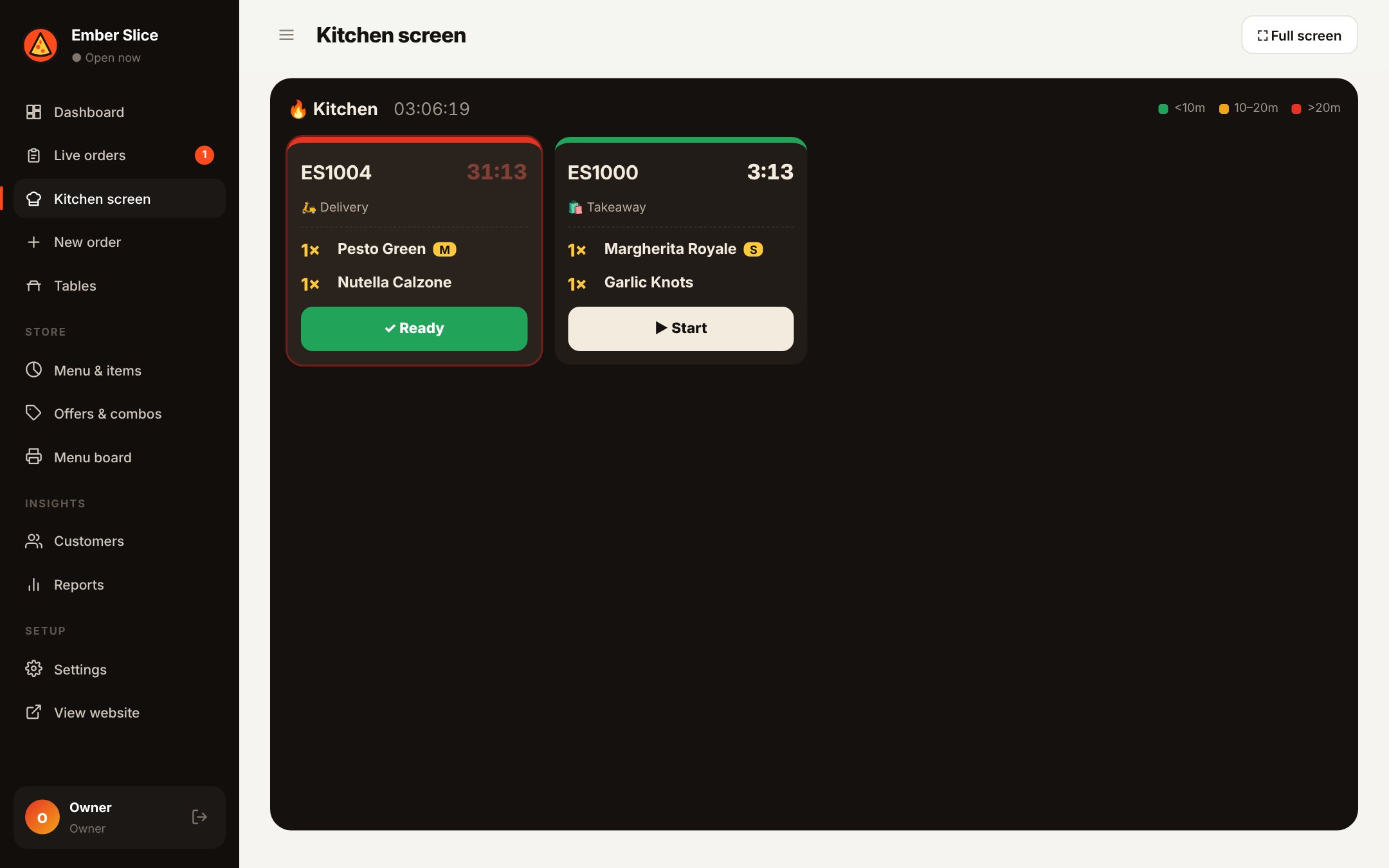
Kitchen screen with timers that turn amber, then red, when an order is running late.
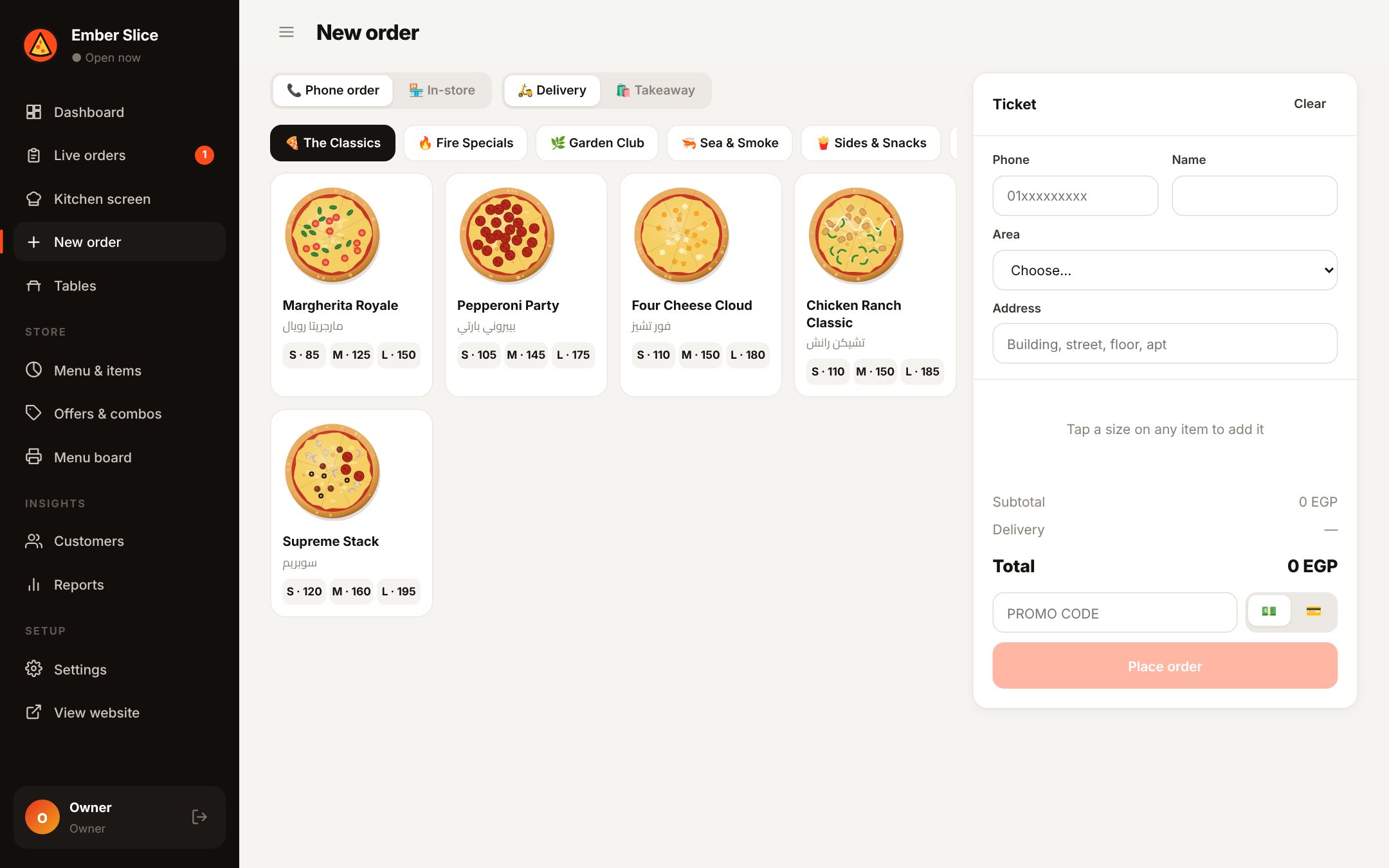
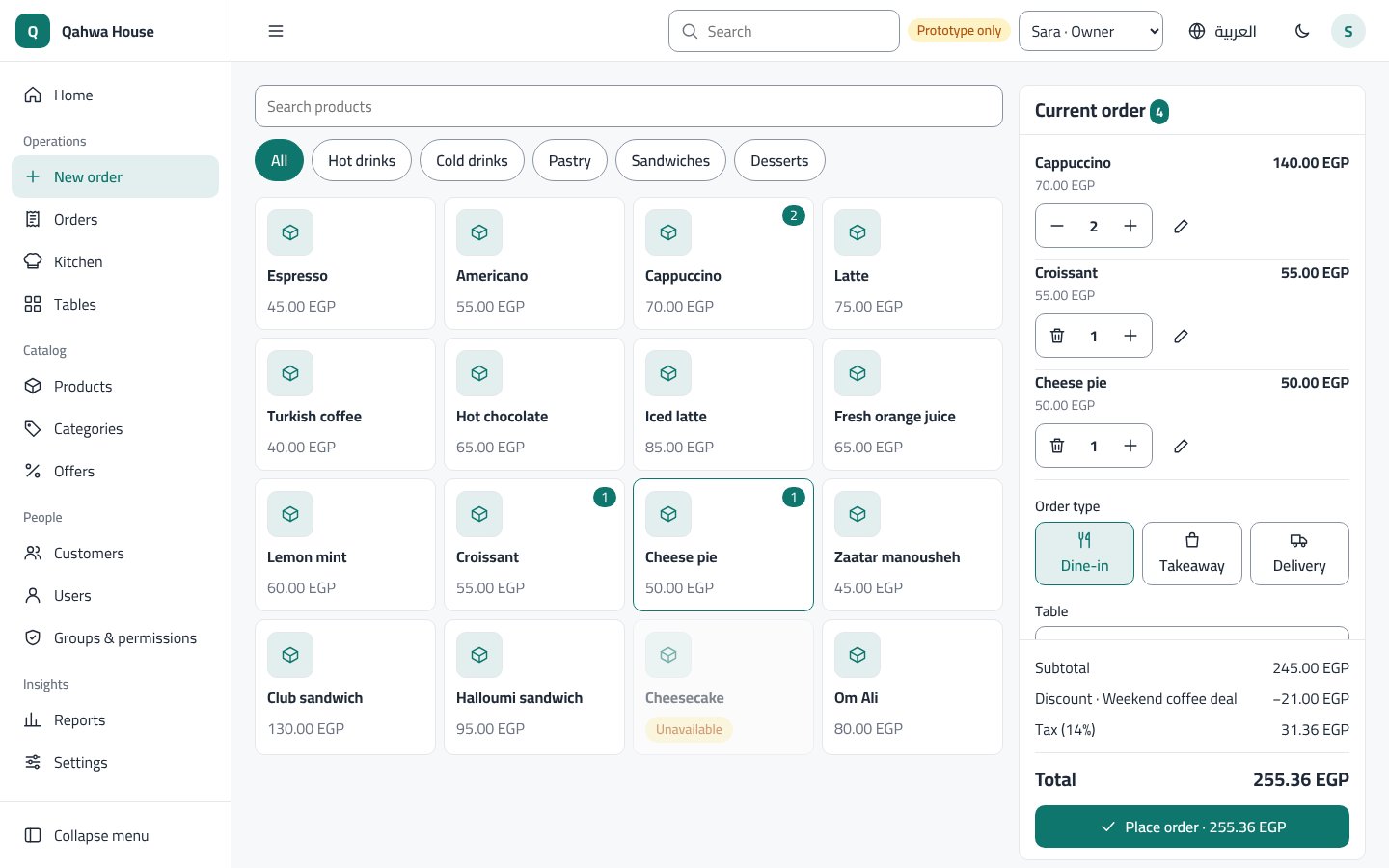
New order (POS): phone and in-store orders, and returning customers found by phone number.
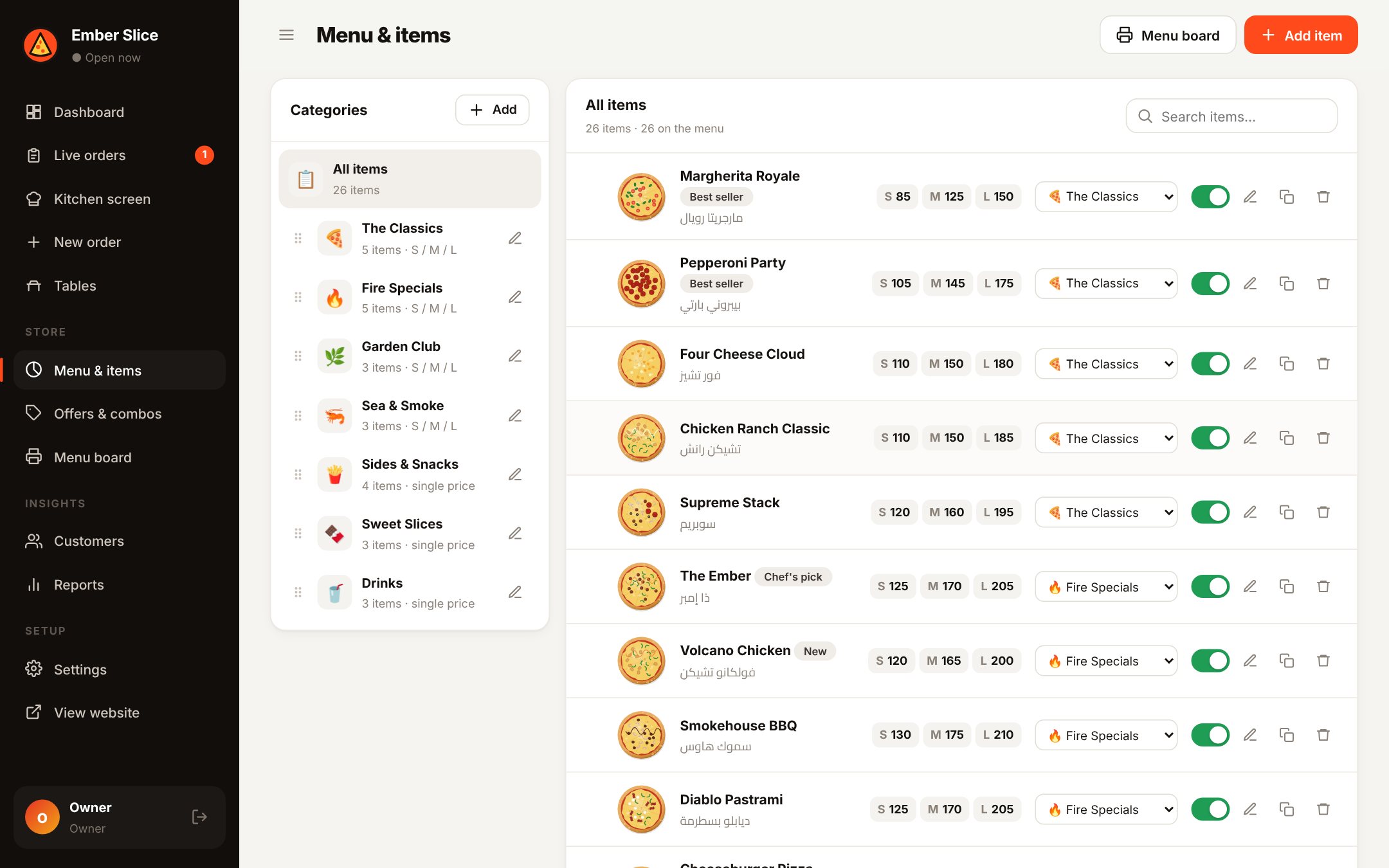
Menu & items: sizes and prices, categories, show/hide, drag to reorder.
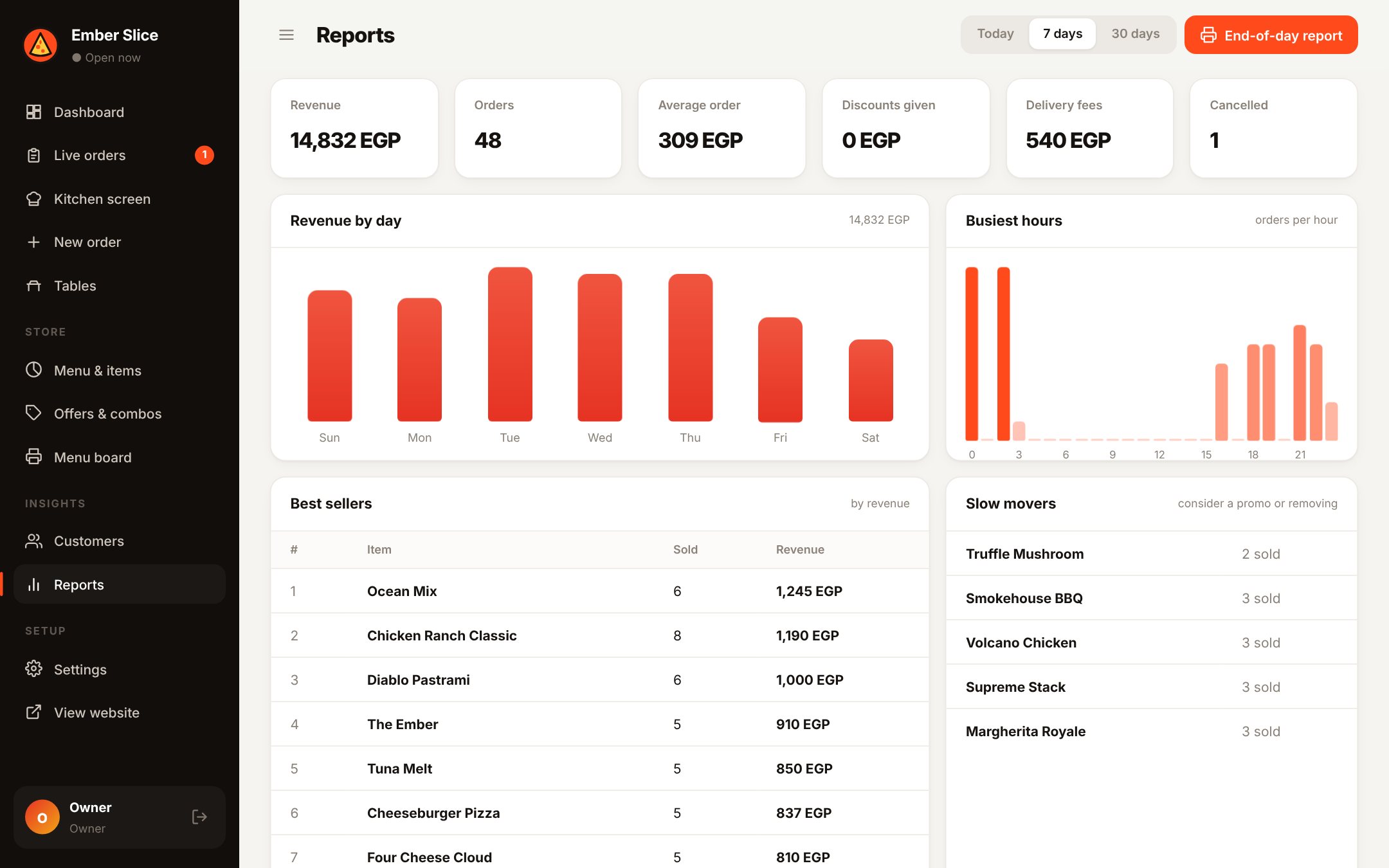
Reports: revenue by day and hour, best sellers, slow movers and an end-of-day report.
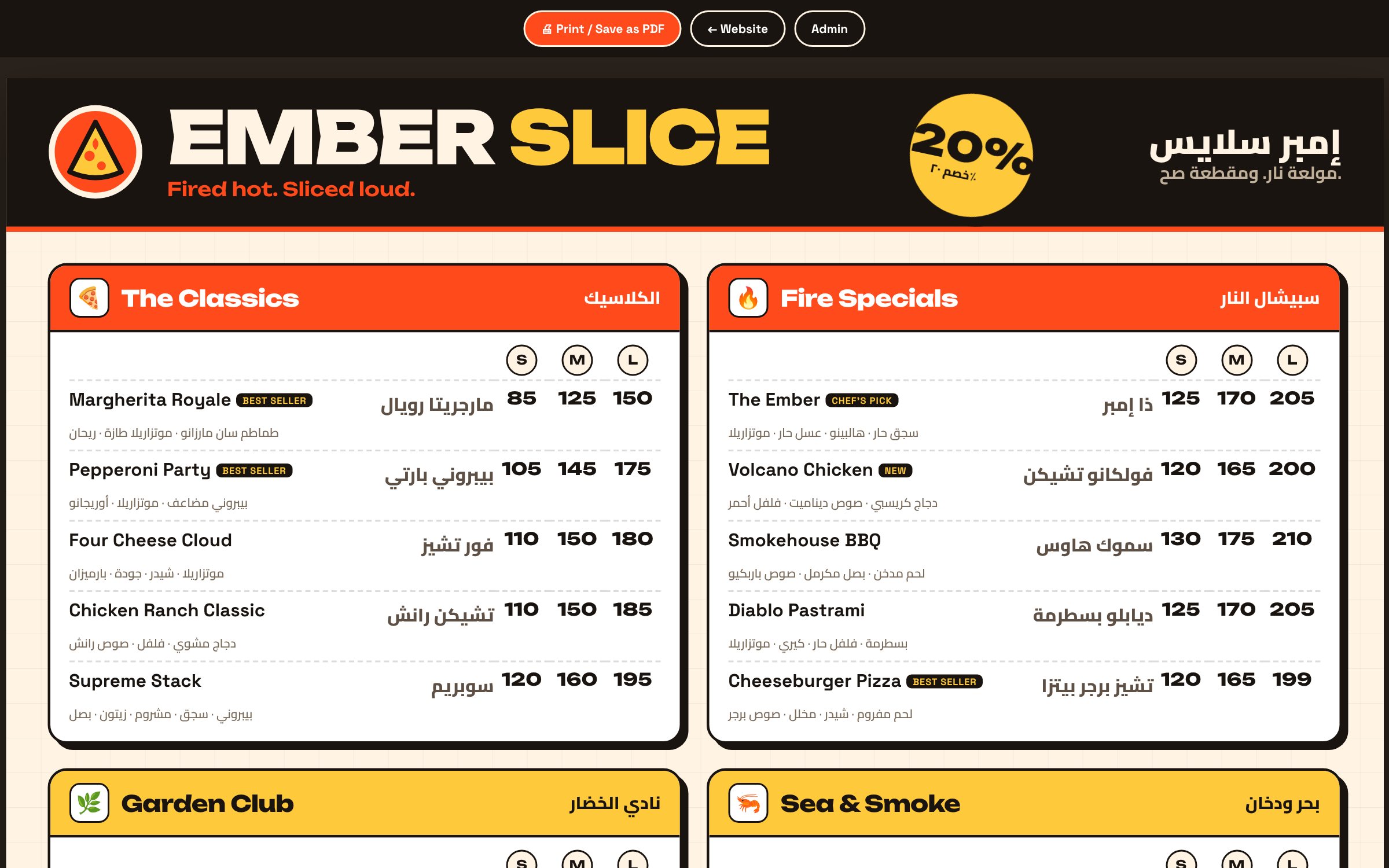
A printable menu board, drawn from the menu data, so it updates when the menu changes.
Checkout with phone checks and delivery zones, and the home page in Arabic.